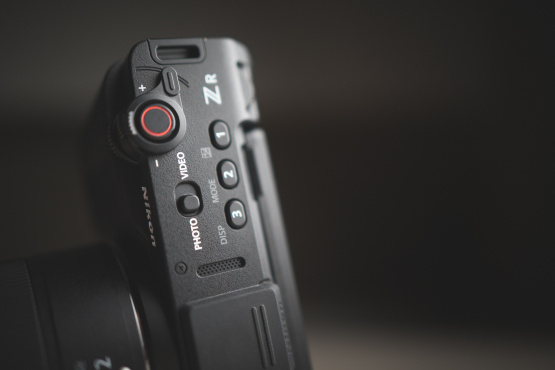
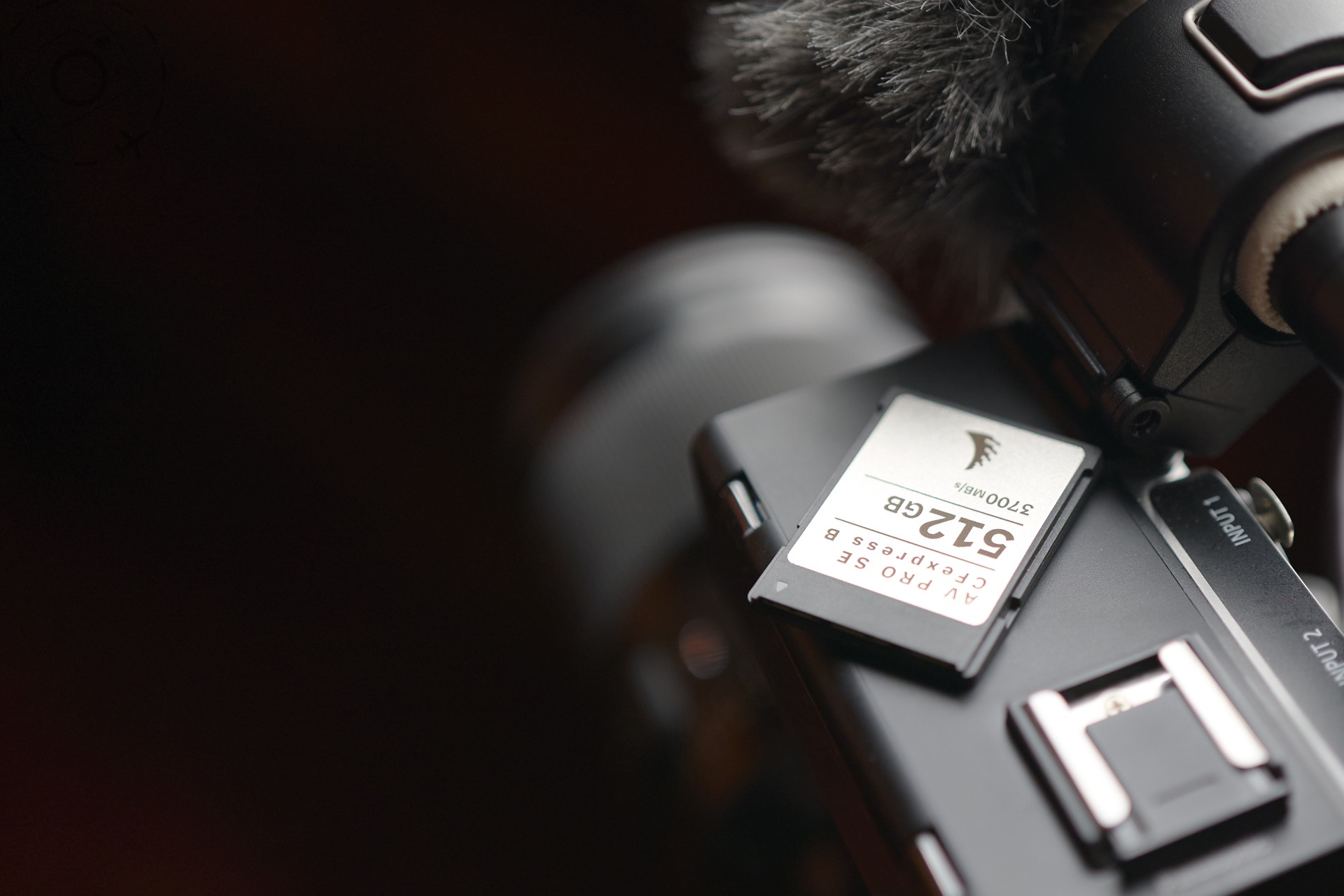



When the LUMIX S1RII first came out I had a lot of trouble with my Angelbird SE cards. They were often slow to crank up, and slow to shut down. Lots of extra chatter that I hadn't seen when using the same cards in the GH6 for example. The current firmware update for these Angelbird cards fixes all of that. I've enjoyed trouble free shooting on the S1RII, ZR and other cameras since.
One catch though, you need to have an Angelbird or RED card reader in order to update the firmware on these cards. I don't have those, but the dealer I bought my cards from in Australia were kind enough to do the update for me. This was above and beyond the terms of service, but they know me pretty well there and they had their own Angelbird card reader on hand to make the process quick.
Before I realised that I had the wrong card reader, I did go down the rabbit hole of trying to flash the firmware myself. On a MacBook this is not trivial. I needed to suspend a few security features and reboot the machine a few times before I could get the updater app installed and running. And it was only THEN that I realised I was at a dead end without an appropriate card reade :) Oooops, sometimes I do stuff the hard way!
The firmware update is definitely worth the hassle. The cards are running smoother and cooler in my Mac as well as in the cameras.
– Ewen
The new firmware updates apply to the following cards:
* Angelbird CFexpress Type A/B
* RED CFexpress Type B
* Angelbird SSD2GO PKT MK3
You need one of these card readers too:
* Angelbird CFexpress Type A/B (MK1/MK2)
* RED CFexpress Type B
Here's the official website at Angelbird on the updates:
angelbird.com/firmware-update/

Keep Reading
Join Ewen's newsletter for monthly updates on new photography articles and tour offers...Subscribe Here